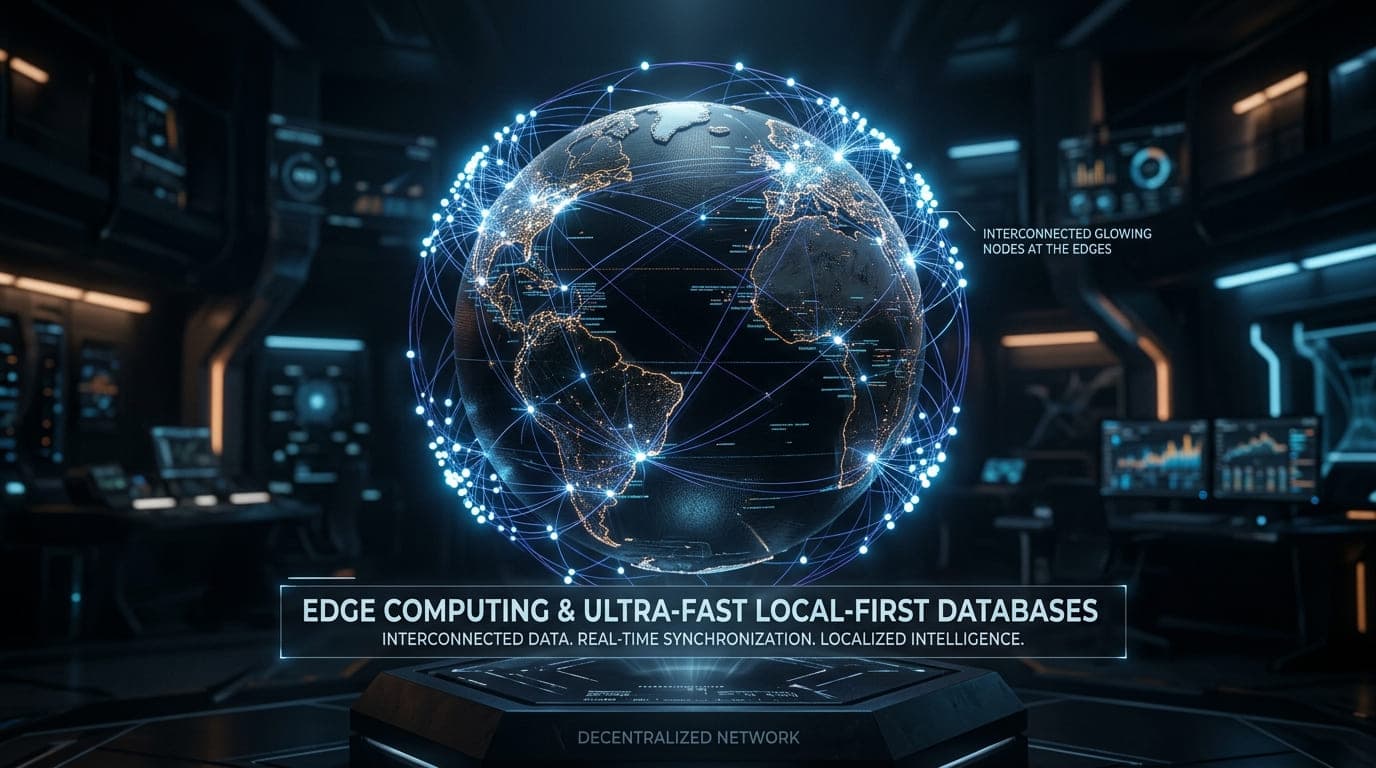
For the last decade, web development has followed a simple pattern: the client sends a request over the internet, a central server processes it, talks to a database, and sends the response back.
But as users demand zero-latency experiences (like native mobile apps), this traditional client-server model is breaking down. The speed of light is a physical limit. If your user is in India and your database is in us-east-1, there will always be a delay.
Welcome to the Local-First Revolution. In 2026, Senior Architects are moving the data and the compute directly to the user's device or the nearest Edge node.
In this post, we will explore how to architect a modern Local-First application.
1. The Death of the Loading Spinner
In a traditional app, when a user clicks "Save", they see a loading spinner until the server confirms the data is saved.
In a Local-First app, the database lives inside the user's browser. When they click "Save", it writes to the local database in milliseconds (0ms latency). The app then syncs this data to the cloud in the background. If the user loses their internet connection, the app continues to work perfectly.
Running PostgreSQL in the Browser
Thanks to WebAssembly (Wasm), we can now run full relational databases inside the browser. A great example of this is PGlite—a WASM build of Postgres that allows you to run SQL queries locally.
// Initializing a local Postgres database in the browser
import { PGlite } from "@electric-sql/pglite";

// This database lives in memory or IndexedDB (persistent)
const db = new PGlite();

async function initLocalDB() {
  await db.query(`
    CREATE TABLE IF NOT EXISTS tasks (
      id SERIAL PRIMARY KEY,
      title TEXT NOT NULL,
      completed BOOLEAN DEFAULT false
    );
  `);

  console.log("Local database initialized in 0ms!");
}
Now, every read and write happens instantly on the user's machine.
2. Syncing with the Cloud (CRDTs)
If the data lives on the user's device, what happens when they log in from their phone? Or what if two users edit the same document offline?
This is where Conflict-Free Replicated Data Types (CRDTs) come in. CRDTs are magical data structures that automatically resolve merge conflicts without a central server. Tools like Yjs or ElectricSQL handle this background syncing for you.
When the device comes back online, the local database syncs with the central cloud database seamlessly.
3. The Role of Edge Computing
While the browser handles local data, we still need backend logic for authentication, payments, and AI processing. Instead of deploying a traditional Node.js server in one region, we use Edge Functions (via Vercel, Cloudflare, or AWS Lambda@Edge).
Edge functions replicate your backend logic across hundreds of data centers globally.
// Next.js Route Handler running on the Edge
import { NextResponse } from 'next/server';

// This forces the function to run at the Edge node nearest to the user
export const runtime = 'edge';

export async function GET(request: Request) {
  // This logic executes in < 50ms regardless of where the user is in the world
  return NextResponse.json({ message: "Hello from the Edge!" });
}
The Architect's Verdict
Building a Local-First application is significantly harder than building a traditional CRUD app. You have to handle offline states, background syncing, and CRDT conflict resolution.
However, the payoff is immense:
- 0ms Latency: Instant UI updates.
- Offline Support: The app never goes down for the user.
- Cheaper Server Costs: The user's device is doing most of the compute!
If you are building an enterprise tool, a collaborative editor, or a high-performance dashboard, Local-First is no longer a luxury—it's a requirement.
Looking to upgrade your SaaS architecture for 2026? Check out my Services to see how I can help you build ultra-fast web apps.